
Plate forming transforms flat plates into formed plates and in so doing consumes roll lines. This operation may use production templates to assist production workers in forming the desired shape for the plate.
To detail a plate forming operation, you can do the following:
- Specify the number of roll lines that mark the plate to be formed (informing the operator where to apply the roll).
- Detect and control surface distortion for the downstream forming process.
- Create a set of templates.

 for Shell_STB_1
and inserted a part containing all the reference planes you need.
for Shell_STB_1
and inserted a part containing all the reference planes you need.
-
Select Shell_STB.1 in the ProductList of the PPR tree.
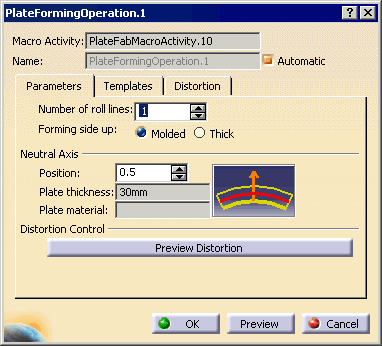
The Plate Forming Operation dialog box opens, and the Parameters tab is active:
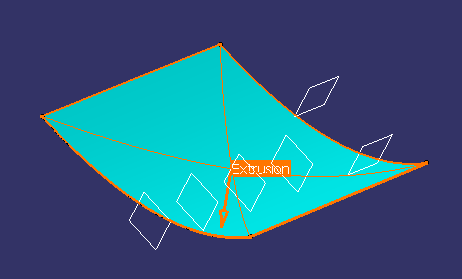
The plate is highlighted in the geometry area and the surface that will be marked is identified in a different color. An orange vector identifies the direction of extrusion.
 .
.You are now ready to specify the number of roll lines to be generated.