|
This procedure explains how to change the properties of an activity. It has
two parts:
|
|
|
Change Properties |
Properties Tabs |
|
| The four tabs described in the table below can change or control an activity's
properties: |
|
The General tab |
|
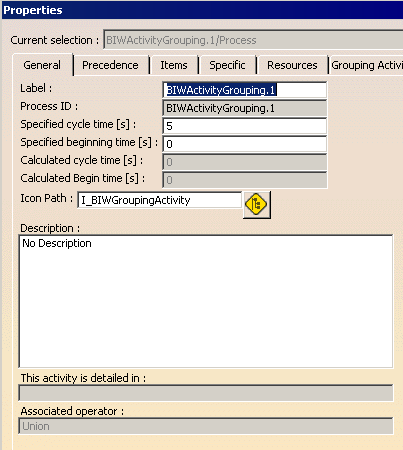
Use this tab to:
An example of the General tab appears above: Note: The Calculated Cycle Time parameter of the activity cannot be modified via the Properties dialog box. For information on how to update the calculated cycle time and for more information on how the calculation is performed, see Tips for Manipulating Activities from the Gantt Viewer. |
|
The Precedence Tab |
|
|
The Precedence tab is used to define rules which guarantee that activities occur in a specified order. Information about managing precedence constraints is provided in the section titled Precedence Constraints Management. |
|
The Specific Tab |
|
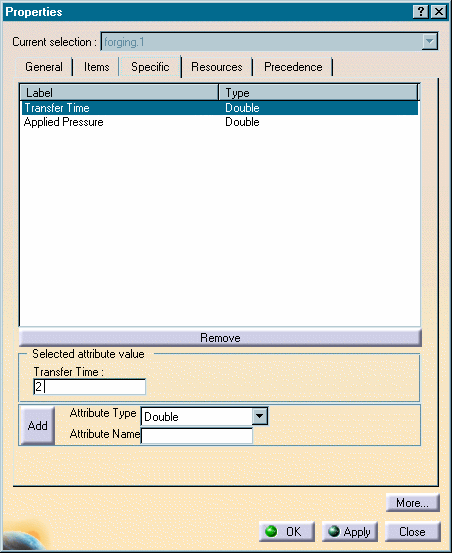
| The Specific tab is used to add specific parameters to an
activity in the context of the specific process of which it is a part.
For instance, in the example below, Transfer Time is being
set at a value of two:
To create a new parameter:
To remove an existing parameter:
Note: These parameters are only a subset of all the parameters than can be added using the Knowledgeware methods. |
|
The Items and Resources Tabs |
|
|
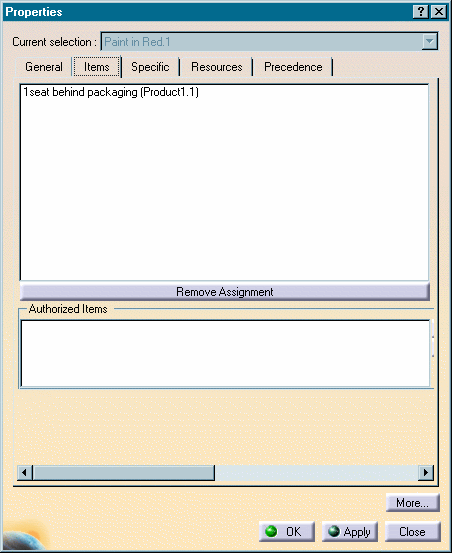
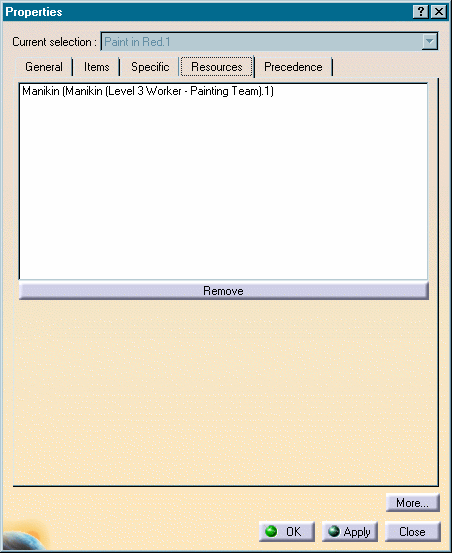
The Items and Resources tabs show which products or resources are assigned to a particular activity. Both of these tabs also have a Remove Assignment button that enables a particular resource or product to be unassigned from an activity. Examples of a properties Items tab and Resources tab appear below.
|