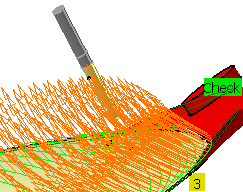
Multi-Axis Isoparametric Machining: Interpolation
 |
This task illustrates how to create a
Multi-Axis Isoparametric Machining operation
in the program.
To create the operation you must define:
|
||||
Multi-EditionYou can modify the parameters of two or more Isoparametric machining
operations in one shot by means of the Selected Objects > Definition...
contextual command. |
|||||
 |
Open the
MultiAxisMilling04.CATPart document, then select Machining> Advanced Machining from the Start menu. Make the Manufacturing Program current in the specification tree. |
||||

|
|
||||
|
|||||
 |
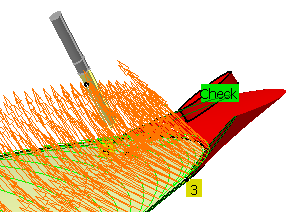
The Check Interferences button will not become
available if the operation parameters are not coherent. If you select a point that does not belong to a selected face, the point is projected to the nearest select face. |
||||
|
|||||
|
|
|||||


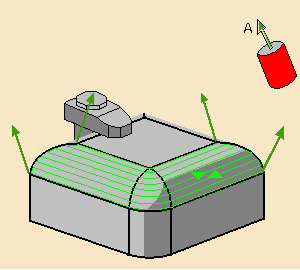
 with the tool
axis guided in Interpolation mode
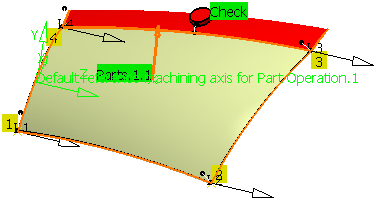
with the tool
axis guided in Interpolation mode
 .
. .
.
 .
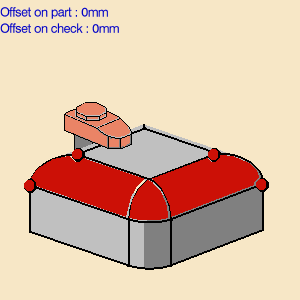
.
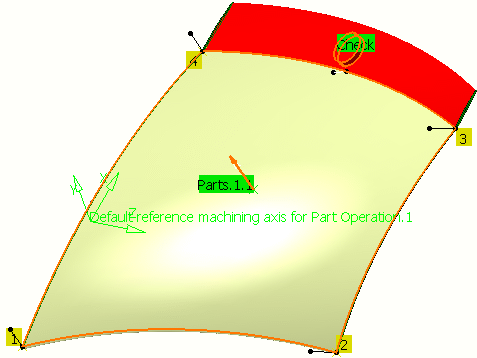
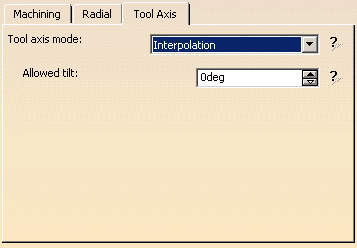
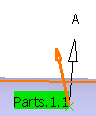
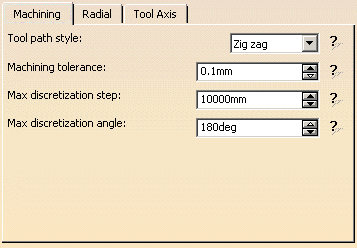
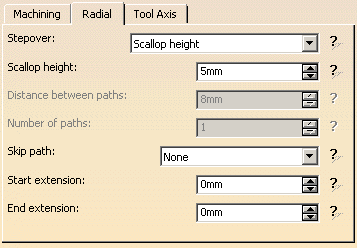
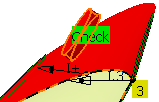
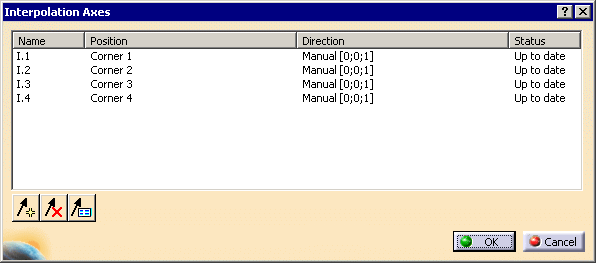
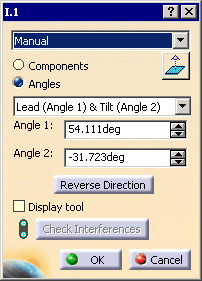
 to add an interpolation vector:
 to remove the interpolation vector selected in the dialog box.
 to edit the interpolation vector selected in the dialog box. The
axis definition dialog box is displayed.
to edit the interpolation vector selected in the dialog box. The
axis definition dialog box is displayed. 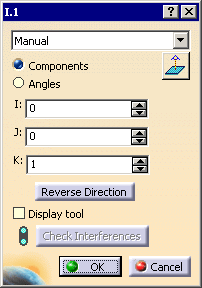 or
or