This type of customization is stored in permanent setting files: these settings will not be lost if you end your session.

-
Select the Tools > Options command. The Options dialog box is displayed.
-
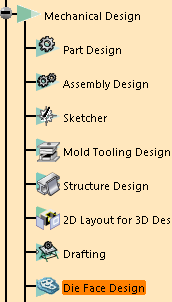
Choose the Mechanical Design category in the left-hand box, then Die Face Design.
-
You will fine Die Face Design options in:
General to set tolerances and colors.
Geometrical Set to prevent the creation of specific geometrical set.
-
Set options according to your needs.
-
Click OK when done.