
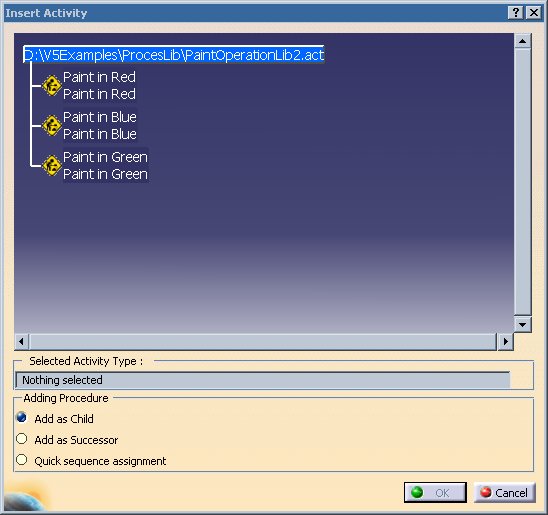
There are two methods for finding the location of where a Process Library is stored. These methods are described below.

Using the Add Activity Command
Using the Desk Command
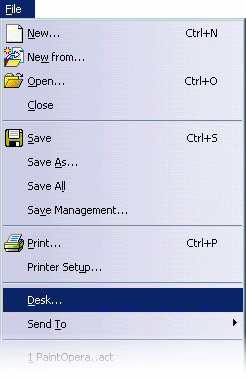
Using the Desk command opens a window which shows the Process Libraries that are linked to the current Process Document. Highlighting a Process Library name and selecting Edit>Properties invokes a dialog which displays the path for the selected library:
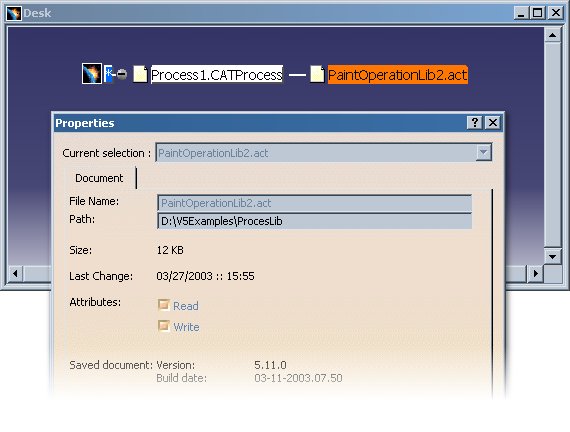
The Properties dialog above can also be accessed by right-clicking on the Process Library name. This will display a context menu from which "Properties" may be selected.
