


In the specification tree, select check, and then use
Edit > Properties command from
menu bar or
Alt >Enter. Modify the check name in the
editor.
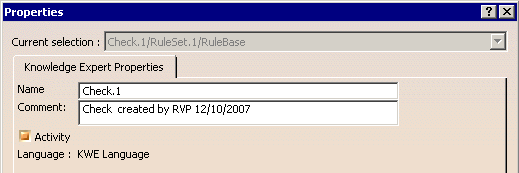

You can also modify the check comment in the editor. This modification does not modify the comment in the body field of the Check Editor; it modifies the Check Report.
