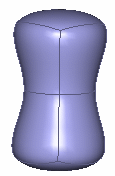
-
Click Modification
 in the Modification toolbar.
 -
Click the surface.
-
Click Local normals
 in Tools Palette.
 -
Select the central vertices on the mesh.
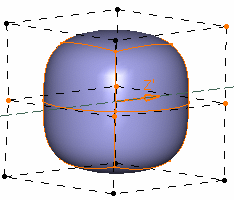
-
Move the selected vertices along their own local normal. You can see that the translation value along its unit is displayed. Thus you have complete control on the distance to be translated.
Depending on the state of the Show Coord icon in Help Text toolbar, the
translation value can be viewed in the following modes:
icon in Help Text toolbar, the
translation value can be viewed in the following modes:-
:
This icon state indicates that the
translation
value is viewed on the
selected manipulator. This is the default state.
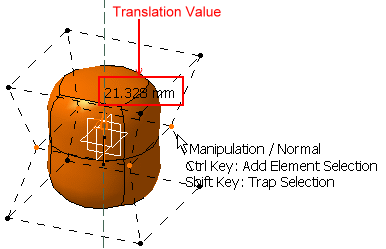
 :
This icon state indicates that the
translation
value is viewed on the mouse
pointer.
:
This icon state indicates that the
translation
value is viewed on the mouse
pointer.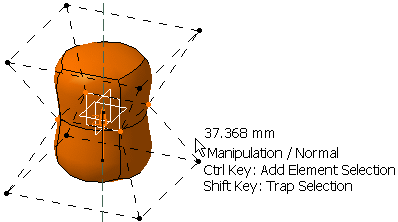
-
 :
This icon state indicates that the
translation
value is not displayed.
:
This icon state indicates that the
translation
value is not displayed.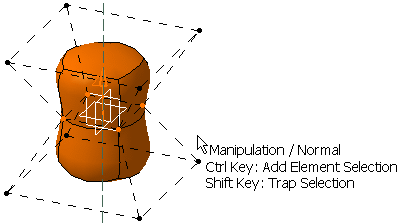
-
-
Release the left-mouse button when you are satisfied with the new position of the surface.