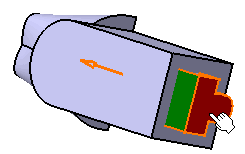
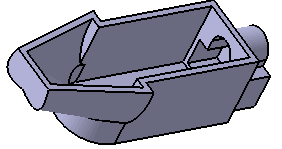
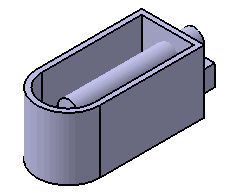
While creating shape features, you can reuse an external shape to build a shape feature.
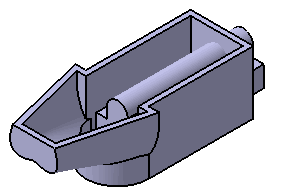
This task shows you how to create an external shape using a surface and a body.


-
Click any icon requiring a shape definition. For example, launch the Shellable Feature
 .
.Click the External Shape icon
 from any shape feature dialog box. The following dialog box is displayed: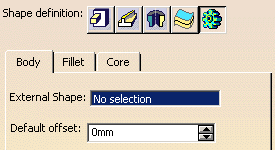
Select Trim.1 under Geometrical Set.1 from the specification tree for External Shape.
-
Enter 0mm for Default offset.
Click OK.
Click the Shellable Feature icon
.Select External Shape icon
.-
Select Body.2 for External Shape.
Enter 4mm for Default offset.
 |