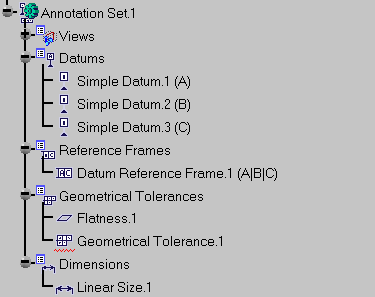
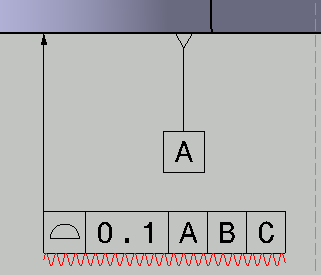
It allows you to graphically distinguish non-semantic annotations (datum, datum targets, geometric tolerances, dimensions) from semantic one, see Concepts.


-
Check the Mark non-semantic annotation option. See Display setting.
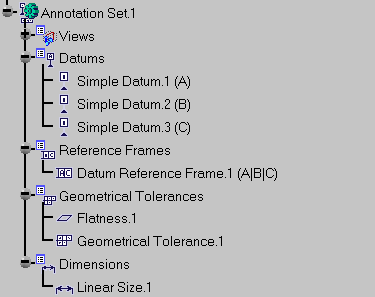
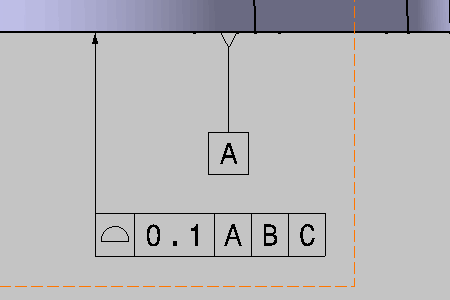
The Geometrical Tolerance.1 annotation is a non-semantic annotation and so it is marked in the specification tree and the geometry: