


-
Select Plane1 and go into Sketcher workbench.
-
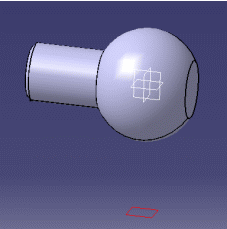
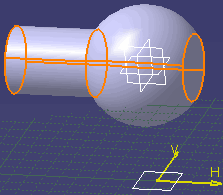
Select Shaft.x in the specification tree to create the silhouette edges onto the plane.
-
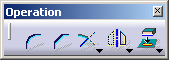
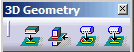
Click Project 3D Silhouette Edges
 from the Operation toolbar (3D Geometry
sub-toolbar).
from the Operation toolbar (3D Geometry
sub-toolbar).
These silhouette edges are yellow if they are associative with the 3D.
You cannot move or modify the silhouette edges. You cannot delete one trace of the silhouette edges independently from the other.
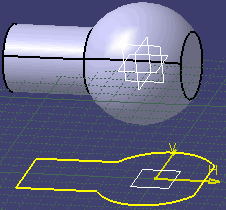

- Silhouette edges are associative except in the case of a multiple distinct marks.
- A mark composed of several associated elements is managed as a single curve (you can constrain it).
- If you apply the Parents/Children... command to a sketch containing a 3D silhouette, the Parents command shows the last solid feature that modified the silhouette. To see an example of this, refer to Parents/Children paragraph of Projecting 3D Elements onto the Sketch Plane.
