The meshes must be manifold.
The intersection of the meshes must result in one or several closed contours.

-
Click Boolean Operations
 .
.
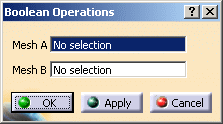
The Boolean Operations dialog box is displayed:
-
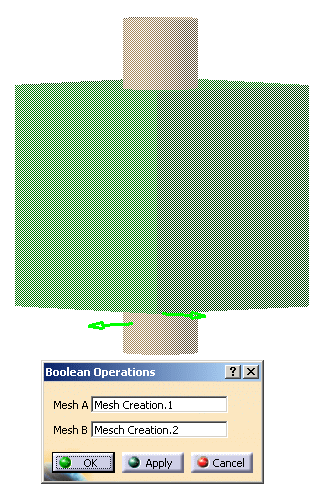
Select Mesh Creation.1 as Mesh A.
Select Mesh Creation.2 as Mesh B.
The meshes become transparent and two arrows are displayed (one for each mesh).
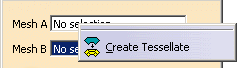
See Stacking Commands for more information.
-
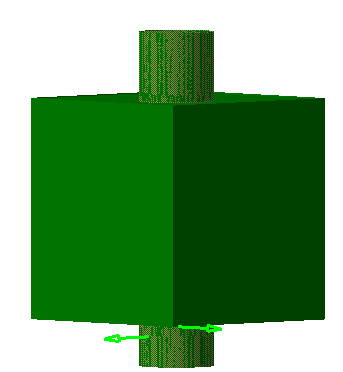
By default, the boolean operation is an union.
See About the Arrows for more information.
Click Apply, the result is displayed in solid colors. Note that the result inherits the graphic properties of Mesh A.
-
Click OK to validate and exit the dialog box.
Both input meshes are hidden. A Boolean Operations.1 feature is created.
It can be edited by double-click.
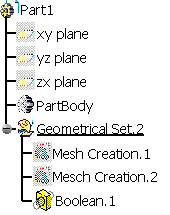
About the Arrows
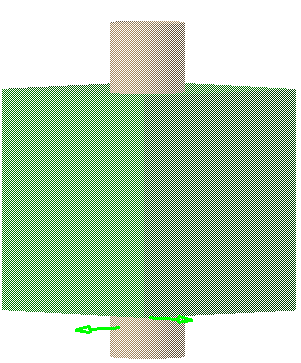
When the two meshes are selected, two arrows are shown.
Click these arrows to invert their orientation.
Each arrow shows the side of the other mesh that will be kept.
The color of the arrow allows you to know the orientation:
- Green: Outside orientation,
- Red: Inside orientation.
With these arrows you define the operation between Mesh A and Mesh B:
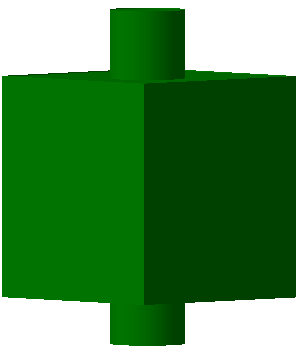
- Union (operation by default, both arrows are green):
resulting in:
- Subtraction: one arrow is inverted
(one arrow remains green, the other turns red):
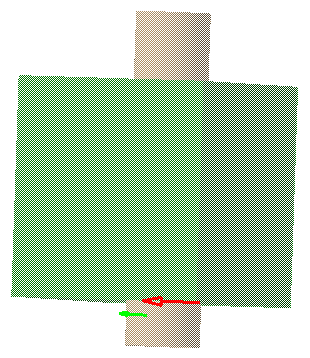
resulting in:
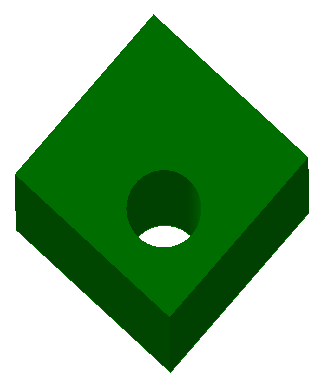
- Intersection: both arrows are inverted (both arrows turn red):
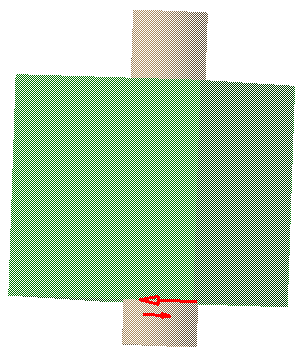
resulting in: