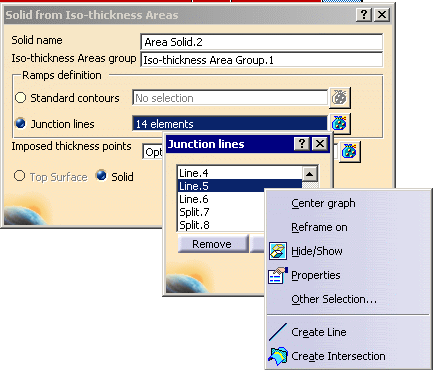
These junction lines are GSD lines, that can be edited as such, based on the ramp support curves.
They provide a greater stability when updating the solid after having modified the design.
- You must have created a Grid.
- Your first pick must be a Composites vertex (from a ply contour or
an iso-thickness area):
this provides the command with a reference surface to create the junction line. - Then, you can pick GSD point.
- For each vertex selected, the command identifies the underlying ramp
support,
or reference element curves, and creates a GSD intersection point between the two curves. - The GSD lines created aggregate those intersection points.
Note that when the command identifies a boundary as a curve to be processed,
this boundary is split by the underlying ramp support. The result will be a Split, not a Line. - Double-click
 :
this leaves the command open to create several lines.
:
this leaves the command open to create several lines.
Click the icon again to close the command when you are done. - The junction lines created are associated to the ramp supports.
This means that modifications that impact them will be properly propagated and handled but for instance,
adding a ply will not modify the line created.

or open the GridJunctionLines01.CATPart document.
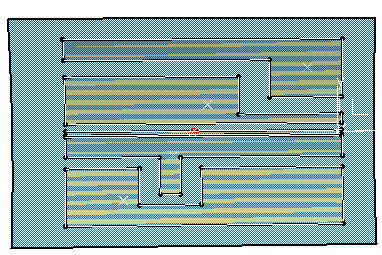

Creating the Junction Lines
-
Insert a Geometrical Set in the specification tree,
name it JunctionLines and make it the In Work Object. -
Double-click Iso-Thickness Junction Lines
in the Top Surface & Solid toolbar. -
Select a vertex of an iso-thickness area. This will be the start point of the junction line.
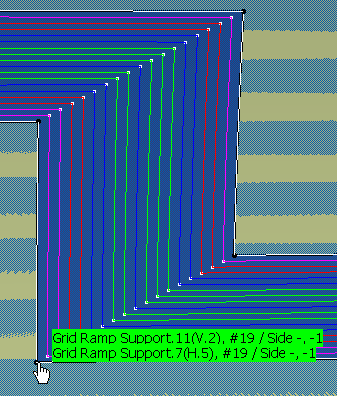
Underlying ramp supports or reference element curves are identified in the green labels. -
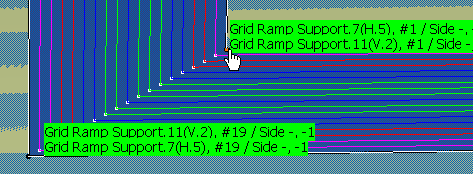
Pick a second vertex.
-
The line is created in the In Work Object.
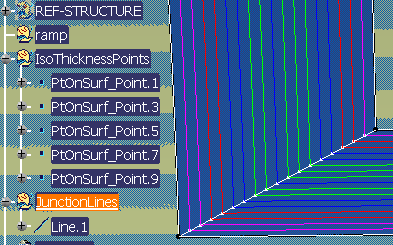
-
Repeat steps 3 and 4 as often as necessary to create all required junctions lines.
Click Iso-Thickness Junction Lines
to exit the command.
The junction lines are created under the JunctionLines geometrical set.
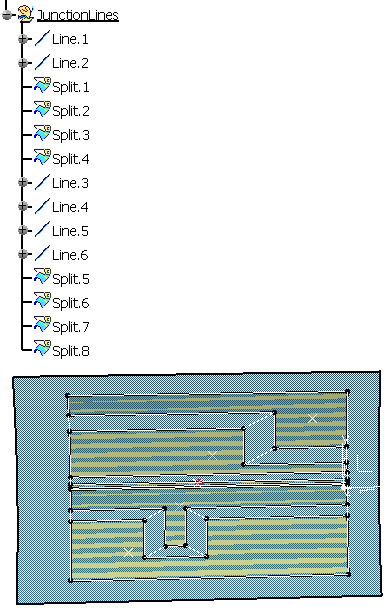
Updating the Junction Lines
-
After a modification, start a standard update.
If a junction line is no longer valid, a message is displayed.
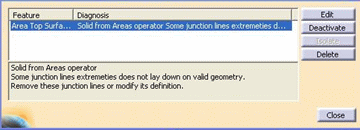
-
Click Edit. This brings you to the Create Solid from Iso-thickness areas dialog box.
Click Apply.
A message and labels pointing to the invalid junction lines are displayed.
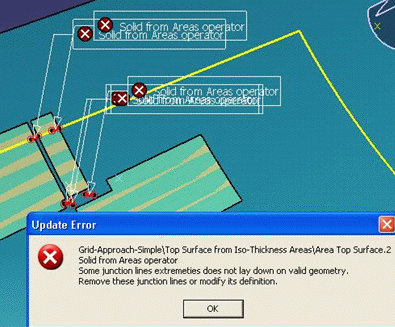
-
Display the junctions lines list, and use the contextual menu to correct the invalid ones.