
The
modification made by Swap Edge
 are generative and not associative.
However, if the virtual stacking is modified and if plies need to be
updated,
you will have to rework only the portions of the ply contour
around the cells
that have been added or removed.


-
Click Swap Edge
in the Grid Design toolbar. -
Select the first edge you want to swap:
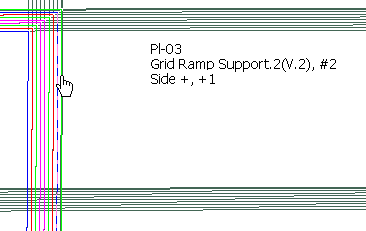
You can select any edge of a ply contour (but not resulting from a limit contour)
provided this edge is supported by a ramp support curve.
Information about this edge is displayed.
Use Ctrl key for multi-selection. -
Select the second edge of the swap:
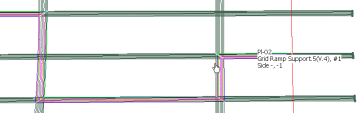
You can select an edge of a standard ply contour, a ramp support curve or a structure element.
You cannot select a panel limit. -
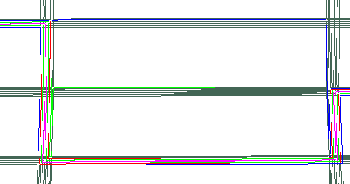
The edges are swapped and the ply contour is modified:

- If you need to perform several swaps, double-click Swap
Edge
and repeat the steps above as many times as necessary. - You can multi-select plies to be swapped (using Shift or Ctrl key), but then you can select only a ramp support as the ramp swap destination. Selected edges are swapped in the order of selection, i.e. the first selected edges are swapped with the selected ramp support, then from this ramp using the direction of the group, other edges are swapped in the order of selection.
- To modify several plies, use Reroute
Ply Contour

-
When you swap edges in a given section, if plies for the same ramp
support use
the same curve somewhere else (outside the section), a warning is displayed. - Warning messages are issued in case of overlaps.
- If the swap edge result is an invalid contour, the swap is cancelled
and a warning message is displayed.
