


-
Launch the Connection generator to compute the tangency connection between the transition zones.
The thickness points are displayed.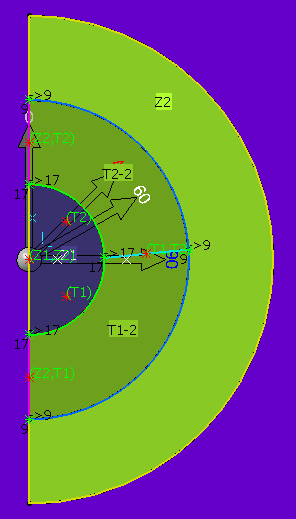
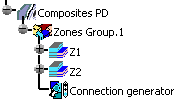
A connection generator node is created under each zone group (Zones Group.1 in our example) so that Transition zone refinement can be performed later on.
-
In the specification tree, under Z2, double click T1-2.
The Transition Zone Definition dialog box is displayed.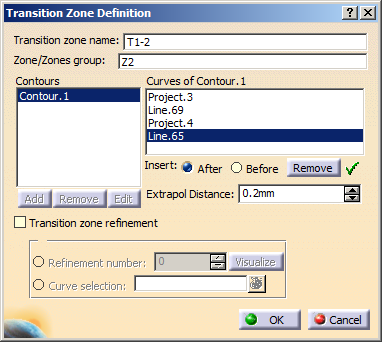
-
Select the Transition zone refinement check box.
-
Select Refinement number and enter a refinement value.
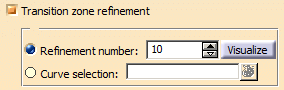

If the Connection Generator has not been run, refinement number is disabled. -
Click Visualize to display the tapers.
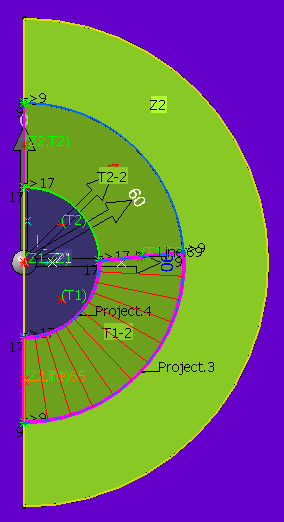
-
In the specification tree, under Z2, double click T2-2.
The Transition Zone Definition dialog box is displayed.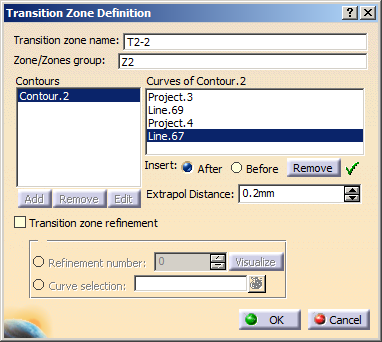
-
Check Transition zone refinement.
-
Select Curve selection, then click Multi-selection
 .
.
The Multi-selection dialog box is displayed.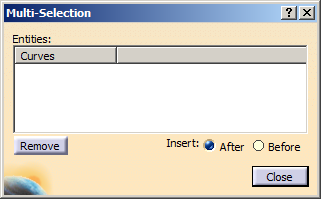
-
Select the curves and click OK.
See Defining a Contour. -
Rerun the connection generator to update your modifications.
If the zones and tapers are modified, the Connection generator feature becomes inconsistent and must be updated. -
Create plies.
