
It takes the varying thickness inherent to braiding plies into account.
For multiple braiding paths, you can use Thickness Update in Producibility for Braiding before generating the final braiding surface.
The tow thickness must then be comparable to the mean effective thickness, shown in the producibility dialog box.


-
Click Braiding Surface
 .
.
In the dialog box that opens, the list of plies groups containing braided plies is displayed.
A name is proposed for the mesh. Edit it if necessary. -
Select the plies group containing the braid layers to be used.
-
A mesh will be created. Specify its parameters.
-
Enter a Max gradient value to limit the variations of the thickness to generate a smoother mandrel surface.
Be aware that this does not limit the effect of the slope of the surface. -
Click Preview.
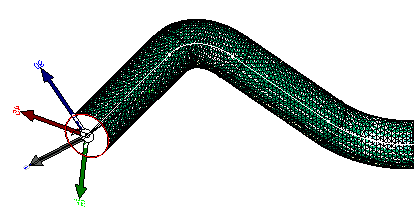
-
Select the Export Layup File check box, and click ... to enter the name and the storage path of the file.
-
Click OK when done to validate and exit the dialog box.
