|
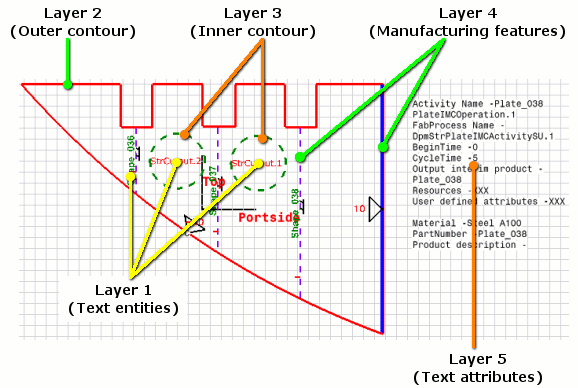
Fabrication sketches can be formatted such that all of the entities to be extracted (inner contours, outer contours, manufacturing features, and text) are automatically assigned to specific layers. When layer information is applied to drafting components that are extracted in generative mode, the resulting DXF output is organized to enable CAM systems to work more efficiently.
The default layer information for each curve and text of all V5 sub-classes (such as margin, marking line, etc.) is stored in the GVS catalog file. For additional information on working with layers, please refer to the Generative Drafting user guide. |
|||
|
|
Specifying a layer |
|||
|
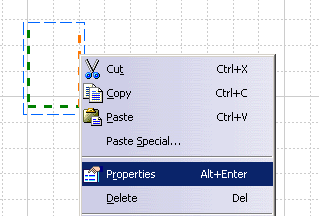
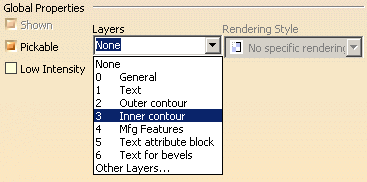
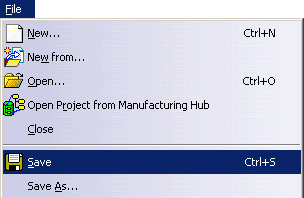
The following steps illustrate how to set the layer for a selected geometric entity.
|
||||
|
|
||||