|
After workshop documents have been
extracted (either individually or with the
batch extraction command), Open
Workshop Document
 allows you to view a list of all documents associated with a selected
product or operation and quickly open any document in the list.
allows you to view a list of all documents associated with a selected
product or operation and quickly open any document in the list. |
 |
Before using Open Workshop Document,
documents must have already been extracted for the selected product or
operation. |

|
Opening a Workshop Document
|
|
|
-
Select Open Workshop Document
.
-
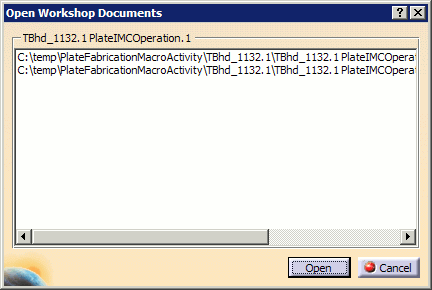
Select a product in the 3D viewer. The Open
Workshop Documents dialog box lists all of the workshop documents
associated with the selected product:
Note: Alternatively,
activities or
operations may also be selected from the PPR tree instead of the 3D
viewer.
-
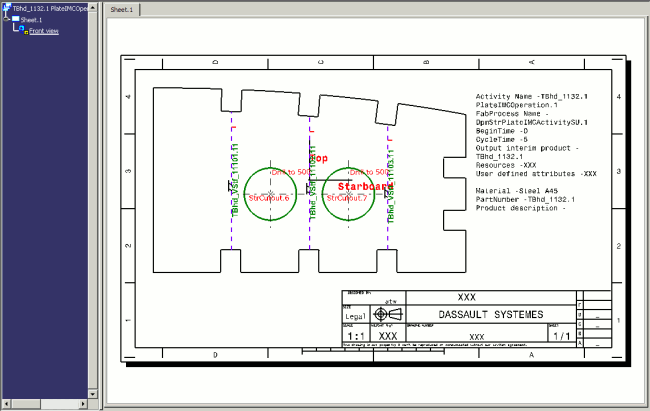
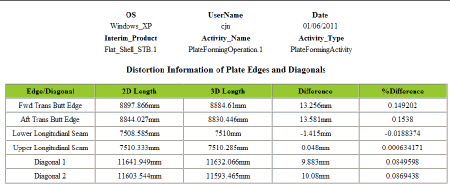
Select a workshop document from the list, and click Open
to view it:
XML documents appear in within browsers.
|
|
 |