|
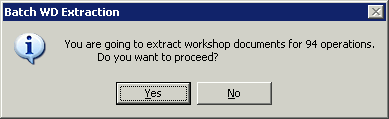
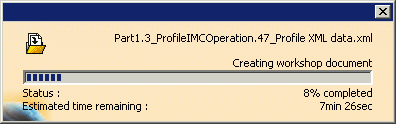
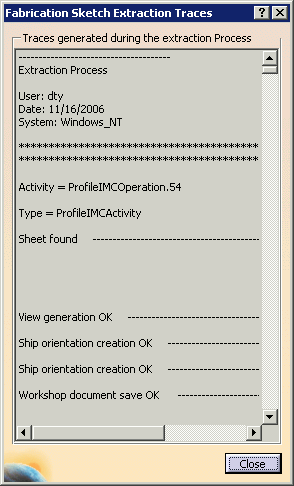
All workshop documents for a given process can be extracted at once with a single command, without any additional user interaction required. All extracted documents are saved at the location defined in Project Resource Management (PRM). Upon completion, a trace panel displays the results of the extraction process. |
|||
 |
Before extracting a batch of workshop
documents, you must have a process for which activities have been
created with Build Activity List
|
|||
|
|
Extracting a Batch of Workshop Documents |
|||
Extracted File LayoutFiles generated by Batch Extraction of Workshop Documents are
organized in sub-folders at the
location specified by DpmStrWDSaveLocation in
Project Resource Management. By
default, this location is The following folders are created:
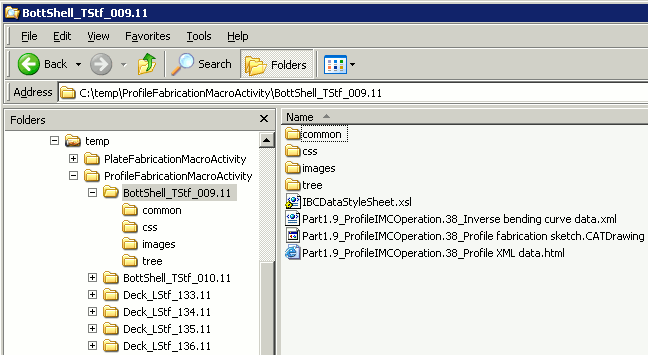
Under each of these sub-folders, additional folders are created based on each interim product. For example, if a profile fabrication sketch of BottShell_TStf_009.11 has been extracted, a folder named BottShell_TStf_009.11 (name of design interim product) will automatically be created under the ProfileFabricationMacroActivity folder and it will look like this.
The same is also true for assembly level workshop documents. For example, a PinJig XML file for DECK_1 will be saved in the following location:
|
||||
|
|
||||
 .
.
 .
.