

For best results, set the following environment variables:
- Set DLM_RCB_RECT_SHAPE=1
- To visualize and simulate rectangular shapes
- Set DLM_CABLE_SOLVER_NAME=CATFLXCableSolverImpl
- To invoke the SIMULIA solver instead of the default spline solver
- Set CATFLXNewTwist=1
- To invoke SIMULIA solver's twist angle computation
- Set DLM_CABLE_SOLVER_SMOOTH_LEVEL=FINE

-
Using the Electrical Harness Installation product, create or modify the cable design.
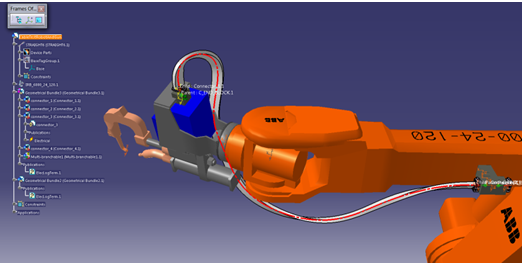
-
Open this cable product in Device Task Definition, and click Build Simulation Model
 .
.
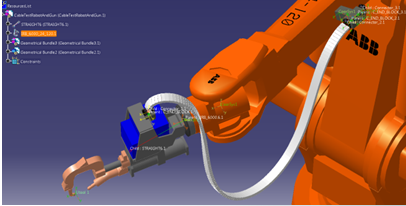
See Building a Simulation Model. -
Perform simulation with penetration avoidance turned on.
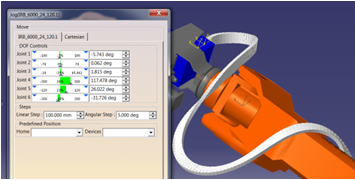
-
If the simulation analysis shows that the design should be modified, provide feedback to the designers about the cable parameters that should be modified.
