


-
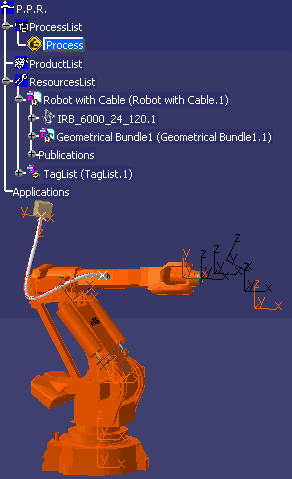
Select the robot.
The simulation model is built for all the cables in the document. The cable can now be simulated as an flexible object in any process simulation. A progress bar appears indicating the simulation model is being built. 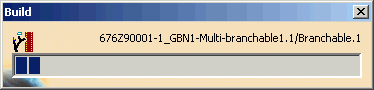
-
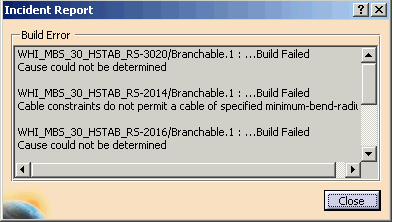
If the simulation model any cable cannot be built for some of the cables, the incident report lists the cables not built and which therefore not will not be simulated.
-
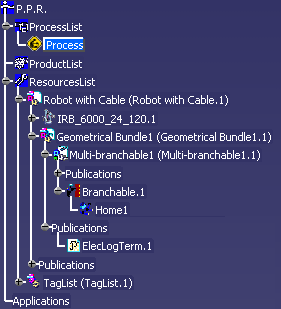
Once the command is complete, the cable simulation model appears on the tree as shown.
-
-
Click Synchronize Cable Simulation Model
 .
.
This command allows you to synchronize all cables that are able to be simulated in the document. In the simulation model, you can see changes made to the design model of the cables.

- Undo/Redo is not supported when you build or synchronize a simulation model.
- The cable simulation model is saved in a CATProcess document.
 .
.