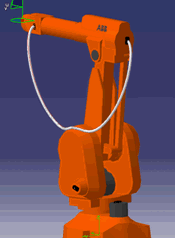
Before using this command, verify that you can simulate
the cables connected to robot components by running robot
tasks
using the Simulation toolbars or the Teach or the
Jog commands. Note that
without any kind of penetration avoidance, the cable will go through any
object with which it comes into contact.
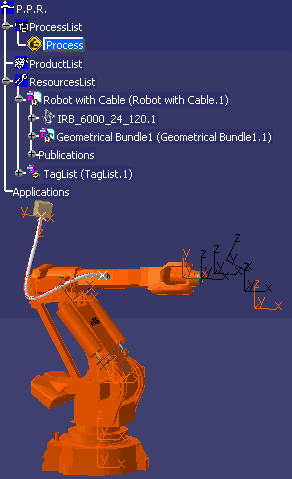

-
Click Cable Penetration Avoidance
 .
. -
Select a cable.
The Define Penetration Avoidance Queue dialog box appears. 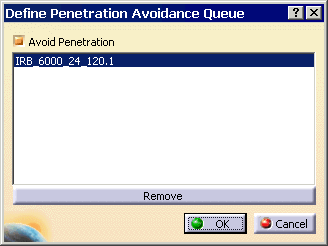
-
Specify a list of components in the process with which the cable is likely to come in contact. The components can be added to the list either by selecting them from the 3D view or from the product tree. Click OK.
The penetration avoidance queue is stored under the Branchable node.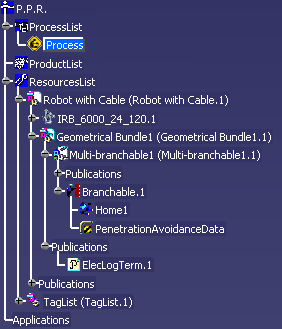
Examples:
- No Penetration Avoidance
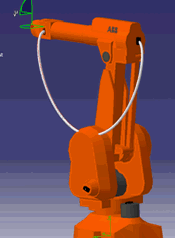
- Penetration Avoidance