.
. , the objects you would put in a penetration
avoidance queue become the second group of products selected when you
define the clash as that between two selections; the first selection is
the cable itself.
, the objects you would put in a penetration
avoidance queue become the second group of products selected when you
define the clash as that between two selections; the first selection is
the cable itself.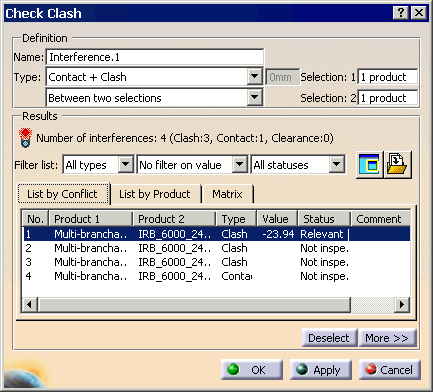
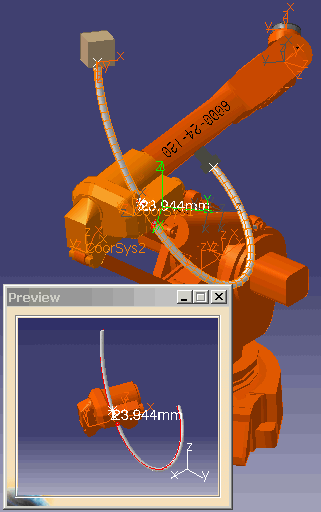
In this scenario, the cable is going through the robot:
If you are simulating a large number of cables, then you can improve performance by leaving out some the cables. The cables can be left out of the simulation by hiding them using the Hide/Show functionality.
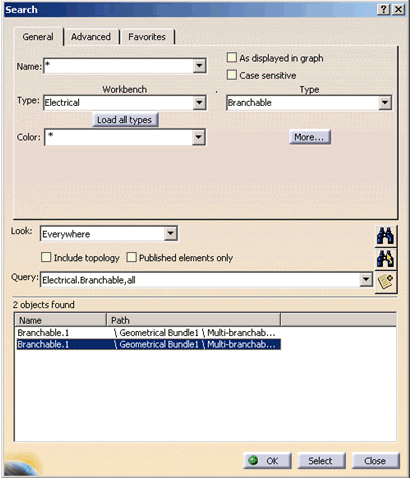
An easy way to find the all the cables in the document is to use the use to the search functionality to find all the objects of the type Branchable under the resource node and select the cables that you do not wish to simulate.
The Search dialog box.