
Breaking a group means to disassociate the activities within the group from the group and to eliminate the logical entity that is the specific group. The activities within the group are not deleted, however. To delete both the group and all the activities within it, see Deleting a Group.
A group can consist of either activities or groups. Breaking a group that contains subgroups does not affect the sub-groupings.


-
Select the group you want to break.
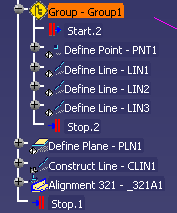
-
Using the right mouse button, select Group - group_name object > Break Group.
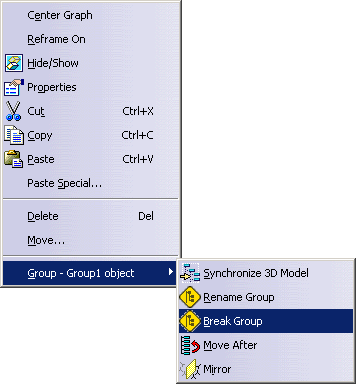
The Group activity disappears from the PPR tree, although the activities or subgroups within the group remain visible. 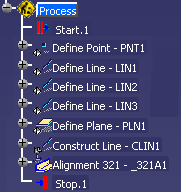
Deleting a Group
-
Select the group in the PPR tree.
-
Press Delete.
 |
You can also use the right mouse button and select Delete. |
| The group and all the activities in it are deleted. If you select a group that contains groups, all the subgroups and activities are deleted. |
