
Licensing
 is only available with a Vehicle Occupant Accommodation product license.
 .
.
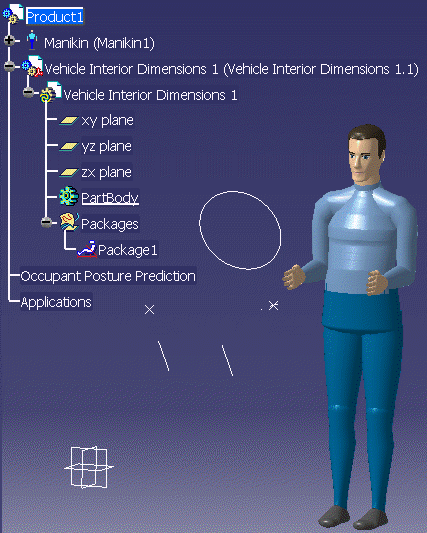

-
From the Vehicle Occupant Accommodation toolbar, click New Occupant Posture Prediction
.The Occupant Posture Prediction Definition dialog box appears. 
The command prompt requests a manikin (or more manikins) and a package. -
Select the required manikin(s) and the package. (To select more than a manikin, press Ctrl while selecting.)
One mankin: 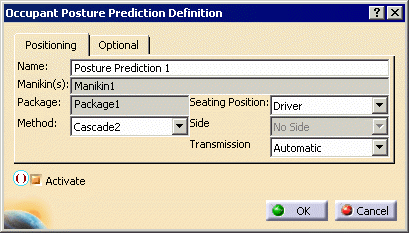
Multiple manikins: 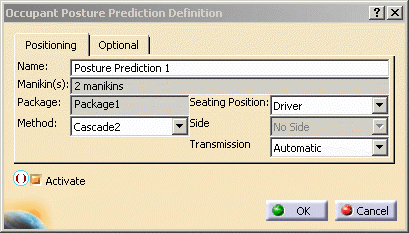
-
Select the posture prediction method to be used for positioning the manikin(s).
Use the Arrows down for Method and Seating Position algorithms as required for the scenario. -
Click OK.
The manikin(s) are positioned using the selected posture prediction method and related to the selected package. A node is added under the Occupant Posture Prediction node. Also an green circle indicator is shown for each positioned manikin at the level of the front head of the manikin. 
