Licensing
 is only available with a Vehicle Occupant Accommodation product license.

A package is a set of motor vehicle dimensions which is to be used as an input by occupant posture prediction.
The package parameters are defined in the Society of Automotive Engineers's (SAE) standard J1100 of September 2005 (see: www.sae.org).
|
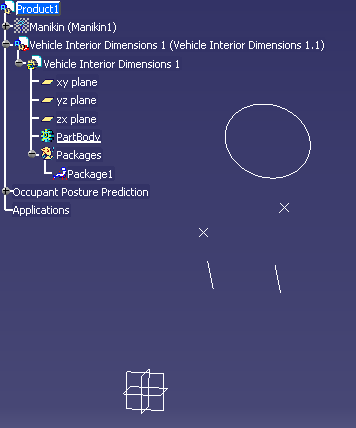
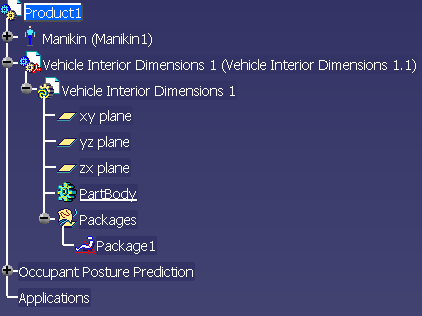
A Package is contained by a GeometricalSet inside a CATPart. In the example below, the specification tree shows:
|

-
From the Vehicle Occupant Accommodation toolbar, click New Package
.The New Package dialog box appears. 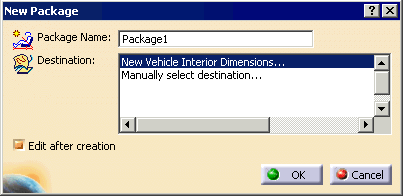
-
Enter the name in the Package Name field.
-
In the Destination field, select from among the following options:
Option Effect New Vehicle Dimensions This option is always visible. It creates a new CATPart containing a GeometricalSet.
The new Package is created into this GeometricalSet.Manually select destination...
Any CATParts containing at least one Package are also be listed.This option is visible when there is at least one CATPart in the current document.
This option allows you to select the destination (GeometricalSet or CATPart) directly in the PPR tree. If:- If you select a CATPart that does not contain any GeometricalSet, you are informed that a new one has been created and inserted into that CATPart.
- If you select a CATPart contains more than one GeometricalSet, you are asked to select directly the GeometricalSet.
-
Click OK.
A new package appears in the 3D geometry window, and in the PPR tree.