|
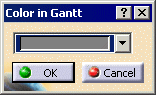
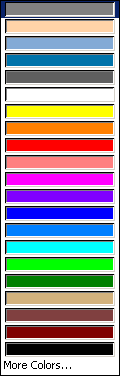
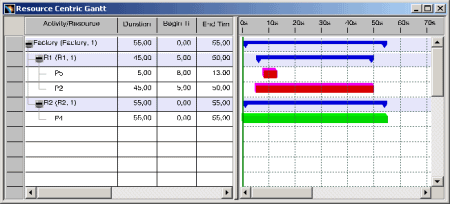
The colors of processes that are linked with the resources can be
individually selected and changed in the Resource Gantt Chart. You can
use this setting exclusively in the Resource Gantt Chart and for DPE projects.
Once the color settings have been changed in the Resource Gantt Chart,
the processes are also displayed using those colors in the Process Gantt
Chart. All processes that are linked with a resource are displayed in the color that you select for displaying the processes of a resource. As a result, processes that are linked with resources can be displayed in different colors for each different resource.
|
|
|
Selecting the Color for Processes in the Gantt Chart resource |
|
|
Limitation |
|
| These settings do not apply to the Process-centric Resource Gantt Chart. Processes are displayed in the same manner as before in this Gantt Chart. | |
|
Also see: Opening the Gantt Chart |

 .
.