Simulate Replication PackageSimulate Replication Package
 |
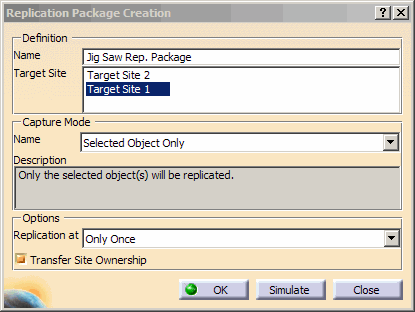
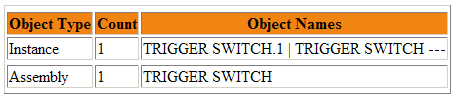
While creating a replication package, you have the option to simulate the creation and view a html report of the objects of the replication package. This allows you to view all the objects that will be replicated to the external site. | ||
 |
Follow the steps to simulate a replication package: |
||
 |
|
||
|
|
|||