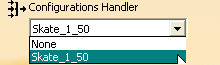
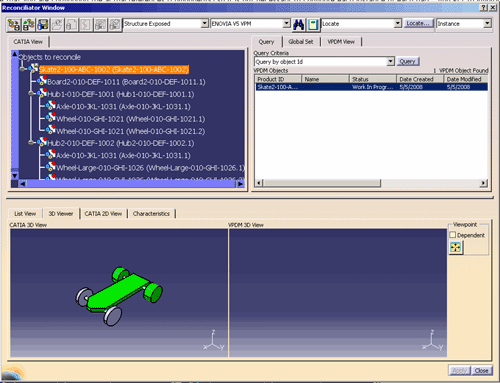
The scenario in this document shows how to use a configuration filter to reconcile a configured product structure.
|
|
In ENOVIA V5 VPM,
you can reconcile data extracted from a filtered product structure using
Filter Capture (PVS), an attribute, volume or configuration filter.
The process for the reconciliation doesn't change except that after mapping your
structure to ENOVIA V5 VPM you must apply the correct filter to the VPDM
view. Once the VPDM view is filtered, the reconciliator can
accurately calculate the changes that need to be integrated into ENOVIA
V5 VPM. Using a filtered view of the product structure saves
resources and time by sending only necessary parts of the structures to
suppliers. For security and/or privacy reasons, there may be
instances when you must not send all parts of your structure to a
particular supplier.
The scenario in this document shows how to use a configuration filter to reconcile a configured product structure. |
|
|
To simplify the Reconciliation process and extraction of a
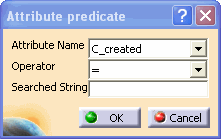
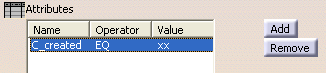
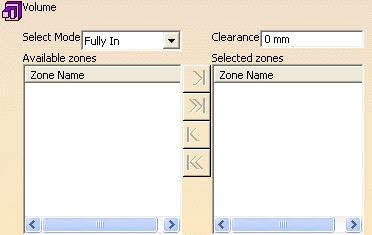
batch utility, you can support Filter Capture (PVS) and add attribute,
volume or configuration criteria for your filter.
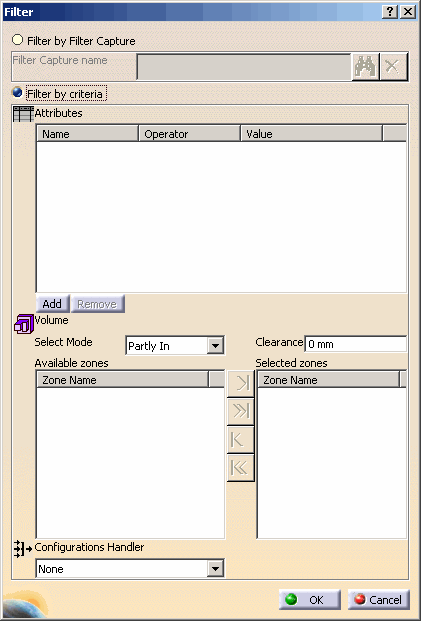
Follow these steps to define filter criteria in the Reconciliator:
|
|||
|
|
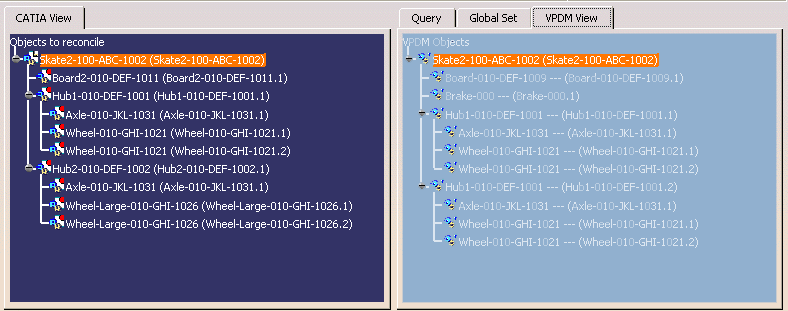
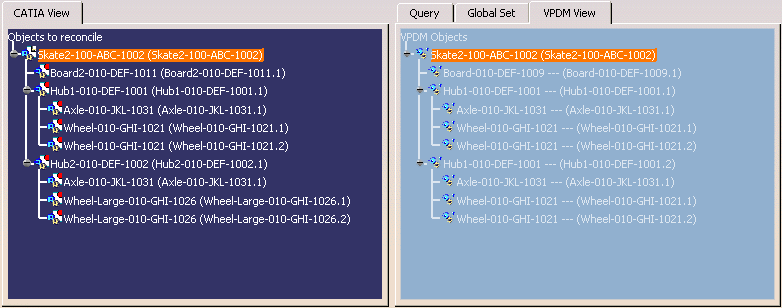
This scenario uses the data from Use Case 1: Reconciling a Product Structure. To illustrate using a filtered view in the reconciliator process, we will add an additional part, a brake to the skateboard. The basic skateboard will be represented by units 1-50 and will be composed of the board and two hub assemblies with an axle and two wheels each. From units 51 to infinity the skateboard will also contain a brake. The basic skateboard (filtered by units 1 to 50, therefore with no brake) is sent to the supplier for modification. When the supplier modifications are returned, we must apply the same filter, so the reconciliator knows that the brake was not deleted by the supplier. Instead, the brake should never be considered in the comparison. |
|||||
 |
To simulate the above scenario,
|
|||||
 |
|

 in the Reconciliator toolbar, the Filter dialog box appears.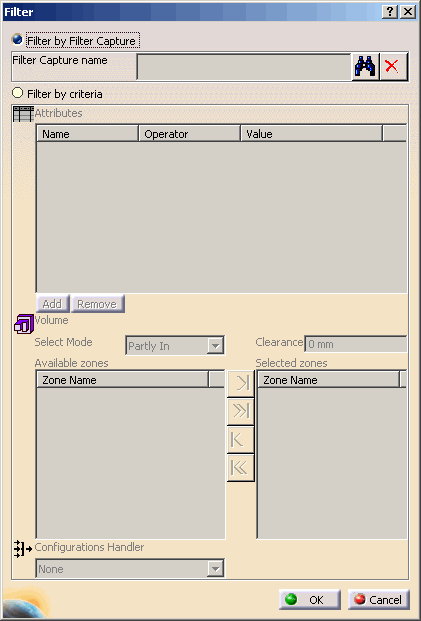
 button to search for existing Filter Capture. The Filter Capture
Search dialog box appears.
button to search for existing Filter Capture. The Filter Capture
Search dialog box appears.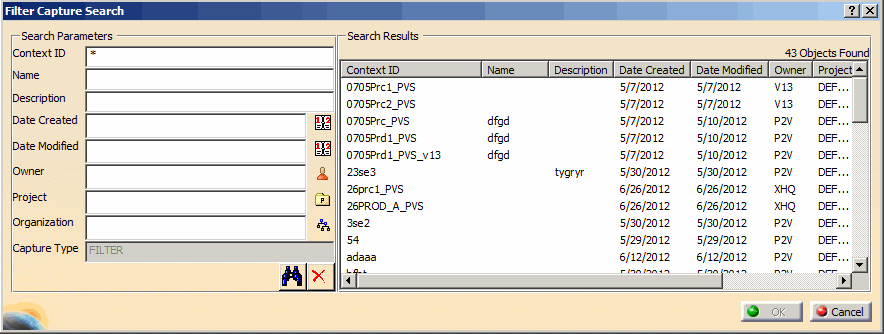
 .
.