|
This task describes how to launch the
Reconciliation window, which gives you complete access to all
Reconciliation functionality. |
 |
Before you begin, you must open the
product/assembly you want to reconcile. |
|
 |
From the Reconcile Workbench
-
In the menu bar, select View > Toolbars >
Reconcile.
The Reconcile toolbar is displayed.
-
Click the Launch Reconciliation icon
 . .
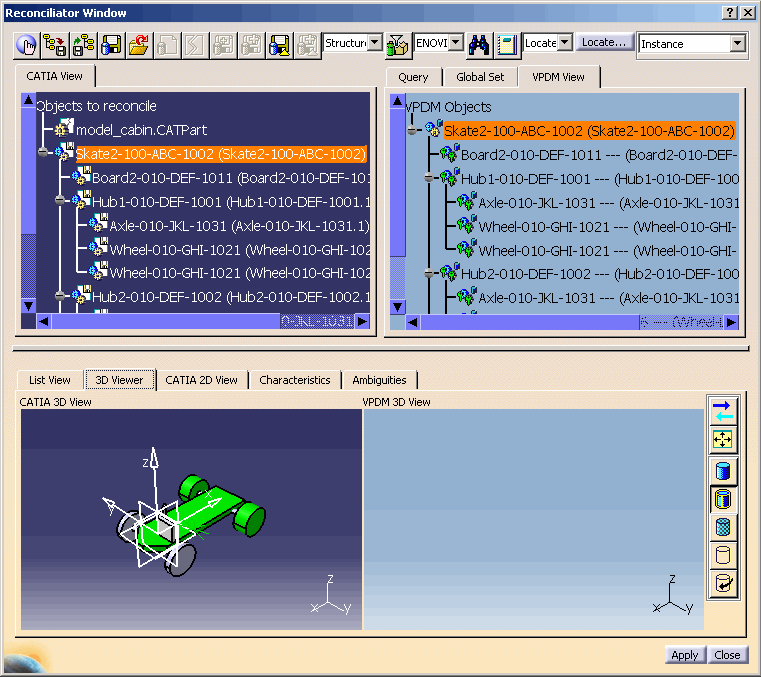
The Reconcile window is displayed.
From the FileDesk Workbench
-
In the menu bar, select File > Desk .
The Desk window is displayed.
For more information about the FileDesk workbench, please see "Using
the FileDesk Workbench" in the CATIA V5 Infrastructure Guide.
-
Right-click the object you want to reconcile and select Launch
Document Reconciliation icon
.
The Reconcile window is displayed.
|
|
 |