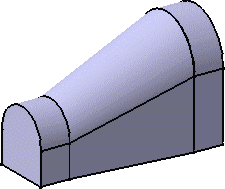
This task shows you how to create a solid by closing the joined surface.
For this you must open the Part Design workbench.

-
Select Part Design from the Start > Mechanical Design menu bar.
The Part Design workbench is displayed. -
Click Close Surface
 .
.This icon is available from the Surface-Based Features sub-toolbar: 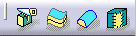
The CloseSurface Definition dialog box appears. 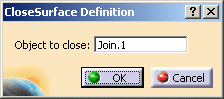
-
Select Join.1 in the Object to close.
-
Click OK to create the closed surface feature.
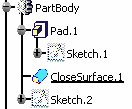
The surface is added to the PartBody node in the specification tree: