-
Select the Start > Mechanical Design > Weld Design command.
The Weld Design workbench is displayed and an empty CATProduct documents opens.
-
Select File > Open to open the Selection dialog and select the Weld.CATProduct document.
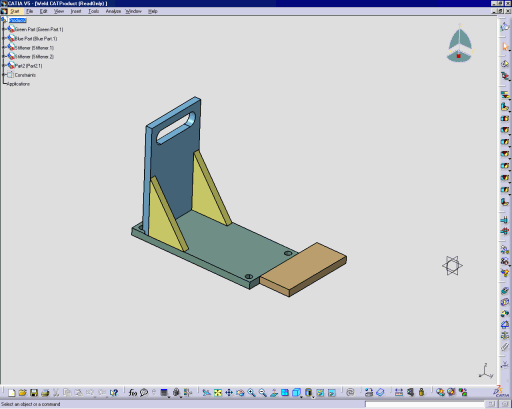
This assembly is displayed: