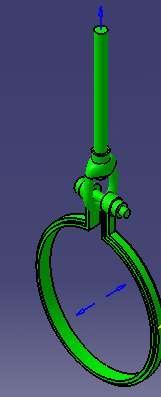
This task shows you
how to hide or show connectors.
Connectors may be hard to select during
certain processes, such as when you are in cache mode, or trying to select
a connector in a hole. This step makes them visible so that you can select
easily.
This command only works with typed parts.
1.
Click the Show/Hide Connector
button . This
button may be located in the lower toolbar.
2.
Select the part whose connectors
you want shown. The connectors display.
3.
To hide the connectors, click the
Show/Hide Connector button and select the part again.


 . This
button may be located in the lower toolbar.
. This
button may be located in the lower toolbar.