-
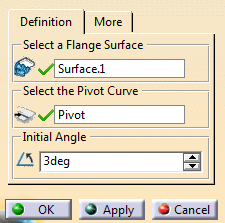
Select the Flange Surface and the Pivot Curve.
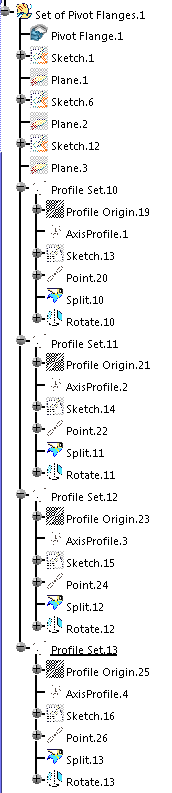
Profiles are computed in the quantity specified in the dialog box.
A plane is computed on each profile, perpendicular to the pivot curve.
An intersection curve between the plane and the flange surface is computed.
A rotation feature is created for each curve.
-
Click a point on the pivot curve to add a profile.
-
Drag a profile origin to move the profile.
-
Edit the Initial Angle and click Apply.
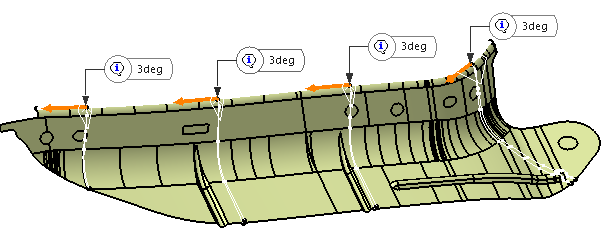
All the angles are modified. -
Double-click the angle label in the graphic area to edit one single angle.
-
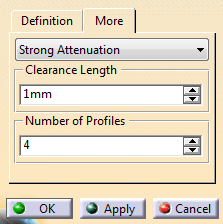
Go to the More tab to edit the number of profiles to create, or pick a point on the pivot curve to add one.
-
Still in the More tab, select an degree of Attenuation (Low, Medium, Strong, Very Strong).
-
Edit the Clearance Length.
The initial intersection curve is split by a point on the curve.
Clearance length is the distance between the point and the origin of the curve.
 in the C