
The TEAM PDM URL command displays the CATIA SmarTeam identifier for a given SmarTeam document. Once this identifier has been retrieved, it is then possible to use a DMU batch program (CATDMUUtility, CATDMUBuilder etc.) to process a document stored in SmarTeam.
This task describes how system administrators must add this command to make it available to end users. To know how to use it, see Support of DMU Batches: Using the TEAM PDM URL Command.

Adding the TEAM PDM URL Command
You need to use the Script Maintenance application to add the TEAM PDM URL command.
-
Select Start > Programs > SmarTeam > Administrative Tools > Admin Console > Application Tools > Script Maintenance.
-
Select Design class in case of PLMDB database and CATIA in case of SmDemo database.
-
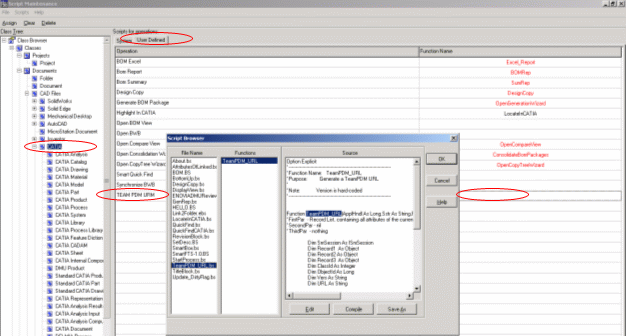
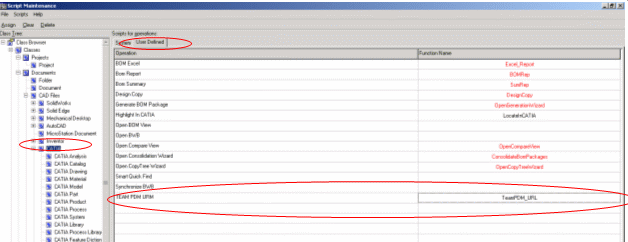
Select the User Defined tab and add the TEAM PDM URL command.
-
Hook the script TeamPDM_URL for the added command.
-
Save the changes.
-
Exit Script Maintenance.
Making the New Command Accessible to End Users
Note: You need to use the Menu Editor application and to add User Defined Tools command under Menu Profile to make the new command accessible to the end user.
