button. If the button is not available then click Tools - Customize and
select the Commands tab. In the Categories pane select All Commands and
in the Commands pane select Export Structure Skeleton and drag it onto a
toolbar.
button. If the button is not available then click Tools - Customize and
select the Commands tab. In the Categories pane select All Commands and
in the Commands pane select Export Structure Skeleton and drag it onto a
toolbar.The Save As dialog box appears.
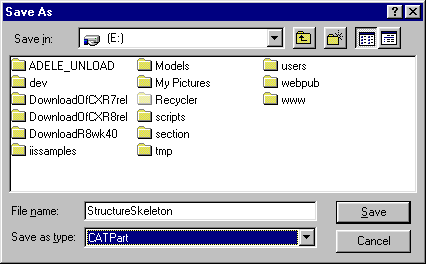
- a V5 CATPart (.CATPart). The CATPart is added to the original document.
- a STEP AP203 document (.stp) if you have the appropriate license.