
Any of three visualization modes can be used for products and resources.
-
Design Mode:
The fully detailed mode, where a detailed visualization of all product information is provided. This mode contains all of the mathematical and geometrical feature data associated with the part/product documents. - Visu Mode:
A less detailed mode (when compared to Design mode) where the mathematical and geometrical feature data are not used for the product nodes. In this mode, all detailed visualization representations are replaced by CGR representations. These replacement CGRs are generated at load time, based on the Work based on Cache System option set in Tools > Options. - Optimized Visu Mode:
The least detailed mode. The CGR representations of all leaf node parts and products are unloaded from the current session and a higher-level (less detailed) CGR representation is used, if present.

-
In V5, this is achieved by opening the product/resource reference document and associating an alternate shape to a subassembly node by selecting Representations > Manage Representations from the product/resource contextual menu. Managing Representations is described in the Product Structure User Guide:
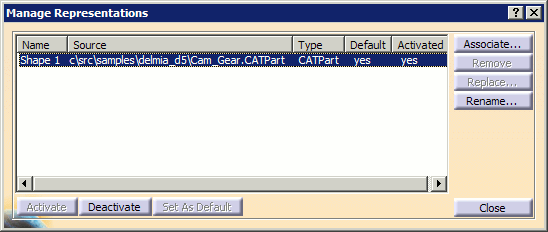
- In the Manufacturing Hub, set the cadfile attribute for products and graphicname attribute for resources.

-
Right-click on a product or resource node in the PPR tree.
The contextual menu is displayed. -
Select PPR Representations to display its submenu:
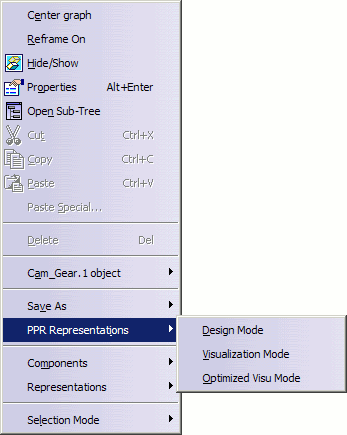
-
Select the desired mode.