
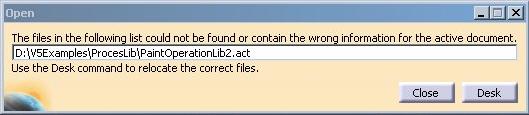
Note that if the Process Library file has been physically deleted from the disk (rather than just moved to another location as described above), the same message will pop-up for the CATProcess document but there will be no way to reroute the link to another existing library -- the Open desk will not help in this context.

Finding a Library File that has been moved
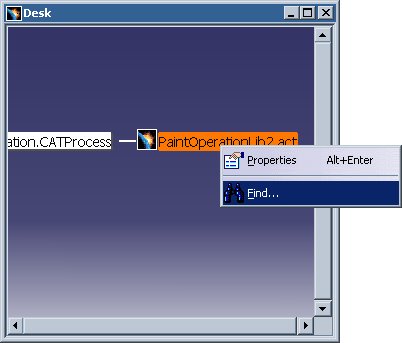
Using this method, the link to the proper Process Library file can be re-established. The CATProcess document must be saved (to save the new link(s) inside the Process document) and subsequently reopened to see all Activities in the PPR Tree.
