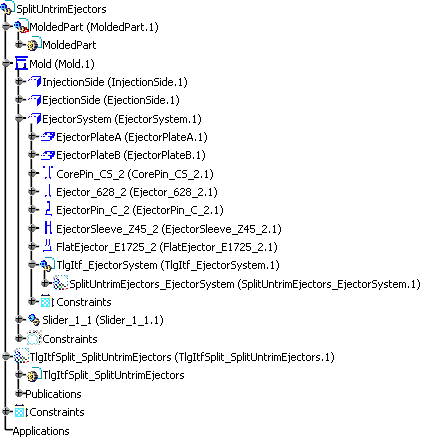
- Takes into account all the untrimmed ejectors found in the project into account.
- Lets you modify the Offset_Parting value.
- Lets you select the splitting element.
Ejectors taken considered in this command are:
- Core pins,
- Ejectors,
- Ejector pins,
- Ejector sleeves,
- Flat ejectors.


-
Select Tools >
 Split Untrimmed Ejectors.
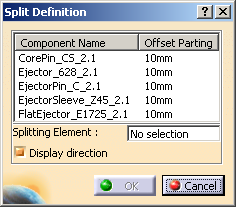
The Split Definition dialog box is displayed.
It is populated with the untrimmed ejectors found in the whole current project.
-
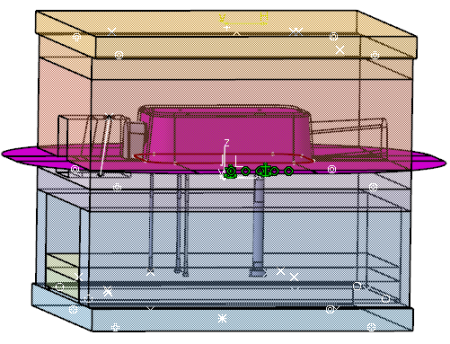
Select the pink CoreSurface as the Splitting Element.
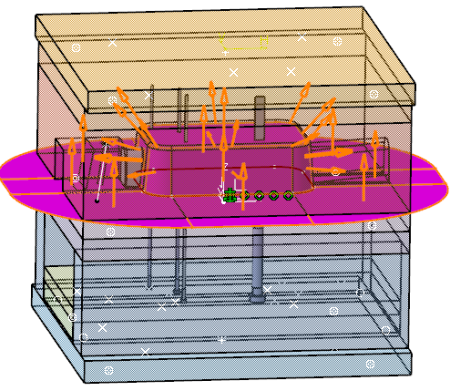
Orange arrows show the direction in which the split will occur.
In the 3D viewer, click one of these arrows to make sure the split will be made downwards.
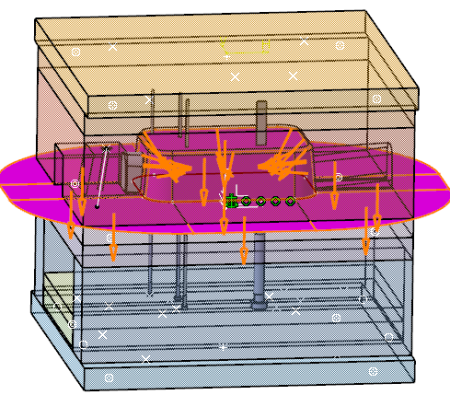
Clear the Display direction check box when you no longer require the information. -
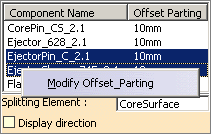
The Offset_Parting value for each ejector is displayed in the dialog box.
It is editable:- Select and right-click one or several ejectors, and
select Modify Offset_Parting in the contextual
menu.
-
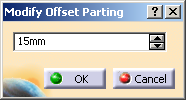
Enter a new value in the dialog box that is displayed:
-
Click OK when done.
- Select and right-click one or several ejectors, and
select Modify Offset_Parting in the contextual
menu.
-
Click OK in the Split Definition dialog box.
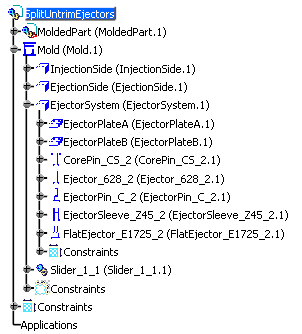
The ejectors are split.