Defining Head Change Position

NC Machine Tool Builder allows you to define a head change position.
Open the V4Axis_Machine.CATProduct file. from the  online/mtbug_C2/samples/V5/4AxisMachine directory.  In addition:
  1. Click Head Change Position  .

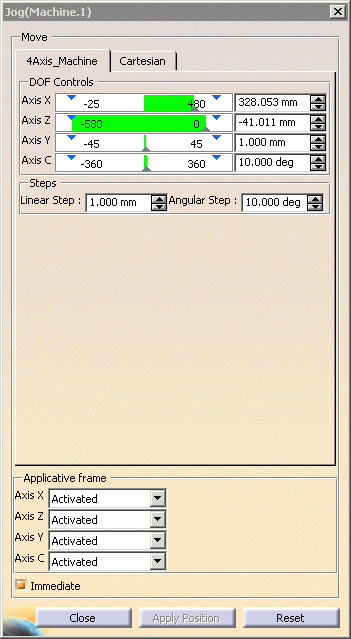
    The Jog dialog box is displayed.
  2. Use the Jog dialog box or manipulators on the geometry to set the machine in the desired position for head change.

  3. In the Applicative frame, select a Activated or Deactivated for specific parts.

  4. Click the Close button.

    If you manipulate the machine into an unreachable position, an information window appears.
    Clicking the Close or Apply Position button sets the position for the machine.  It remains the head change position until you re-do the command and set a new position.
For additional information, see Jogging a Mechanism.