Select Tools > Options > Machining Simulation >
Simulation tab.
Under Integrated Material Removal area,
select Enable material removal computation during machine
simulation check box, and click OK.

When you select
Enable material removal computation during machine
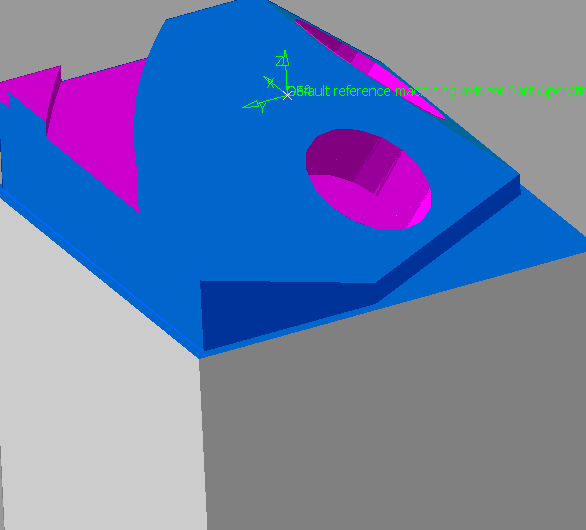
simulation check box, the Display tool color on stock is
enabled by default.
This enables to visualize the tool colors on the
stock during material removal with machine simulation. When the
material is removed, it is displayed in the color of the tool.
 Displaying Tool Colors on Stock


 .
.