|
This task shows you how to browse the characteristics of machinable axial features and machining patterns. | |
 |
1. | In the Manufacturing View, select one of the
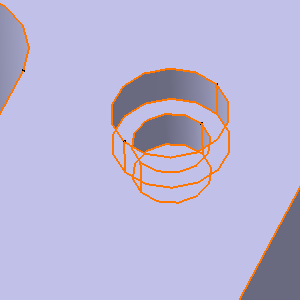
created machinable axial features as follows:
In the example above, the selected feature is a
counterbore hole. |
|
|
||
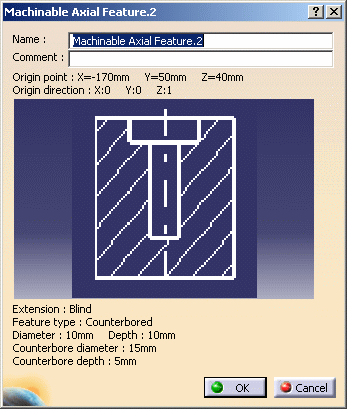
| 2. | Double click the feature in the manufacturing
specification tree. A dialog box appears showing its characteristics.
|
|
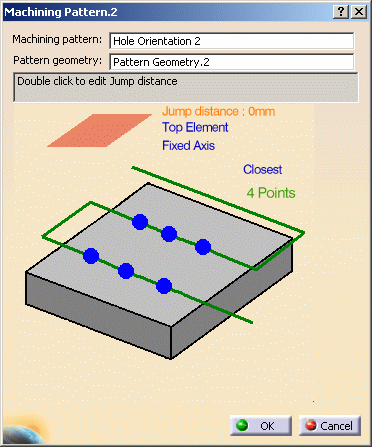
| 3. | In the Manufacturing View, select one of the
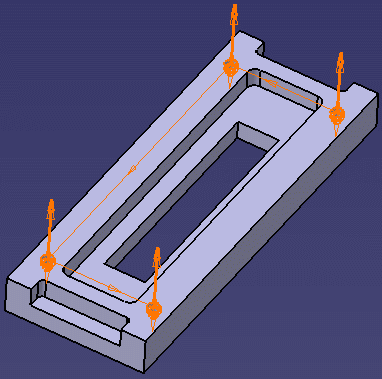
created machining patterns as follows:
In the example above, the selected pattern comprises four
counterbore holes. |
|
|
|
||
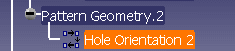
| 4. | Double click Machining pattern in the manufacturing
specification tree. A dialog box appears showing its characteristics.
|
|
| The created features can now be machined as described in the User Tasks section. | ||
|
|
||