General Comments
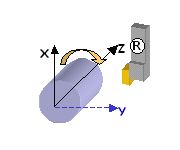
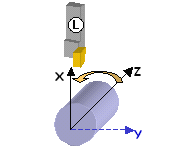
The Machining Axis is always a direct axis system. For example, ZX defines a direct axis system with Z as the spindle axis and X as the radial axis.
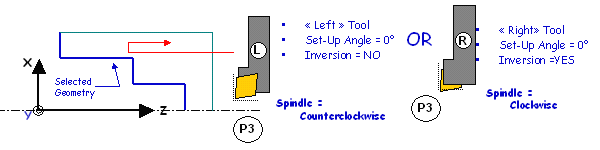
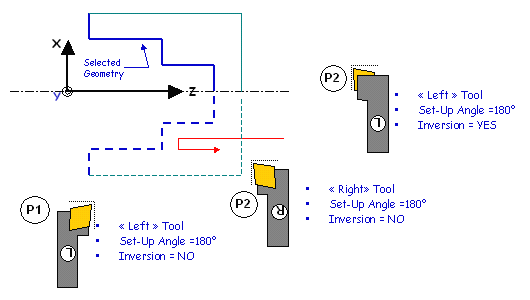
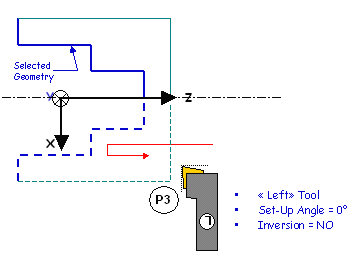
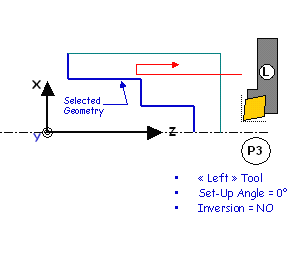
Selected geometry (for example, Finish Profile Turning) can be selected either in X+ or X- :
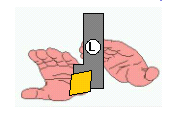
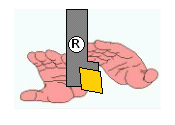
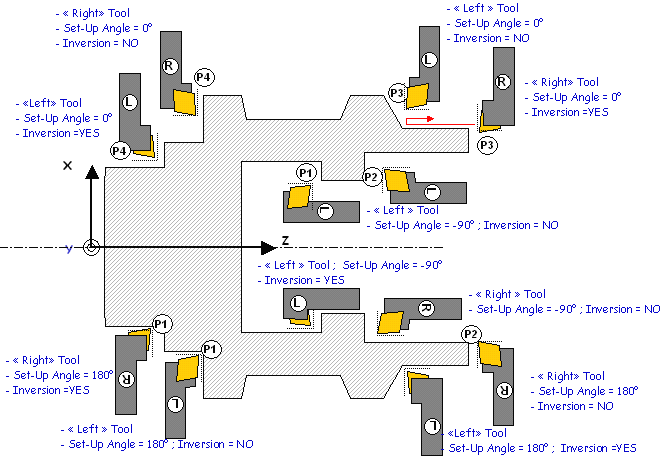
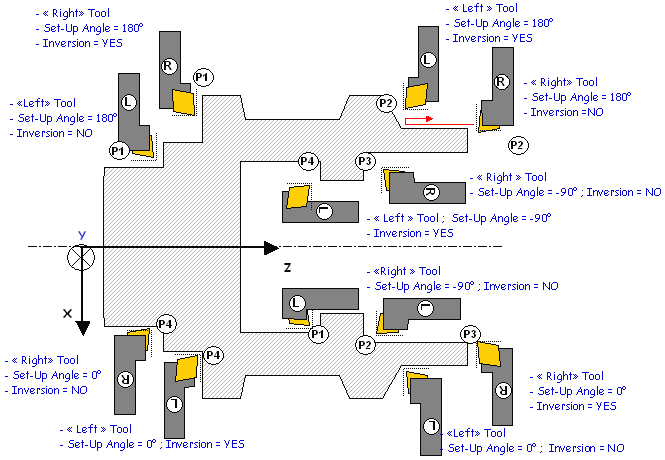
- the system will figure out whether machining is in X+ or X- based on Insert-Holder orientation (as defined using Set-Up Angle)
- depending on the options of a Machining Operation, several
possibilities might exist,
(for example, Frontal machining). User option is then available (X+/X-) to specify what the system should do.
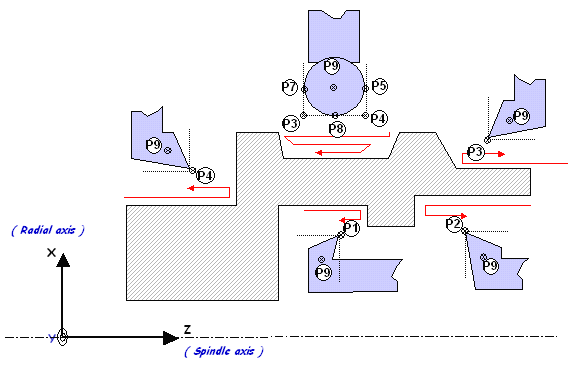
The Output Point definition is considered according to the X+/Z+ quadrant.
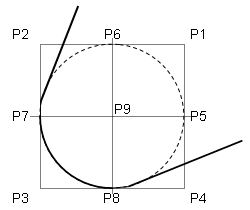
| Round, Diamond and Triangle Inserts | Square Insert | Groove Insert |
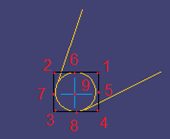 |
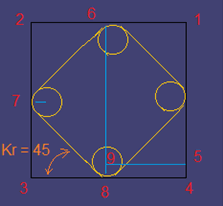 |
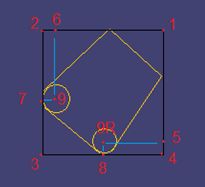 |
Examples below deal with Horizontal Lathe Machine Tool.