
This task will show you how to define a fixed part.

Open the rods+4joints+cmd.CATProduct document.

-
Click Fixed Part
 in the Simulation toolbar or select Insert > Fixed
Part... from the menu bar. The New Fixed Part dialog box
is displayed.
in the Simulation toolbar or select Insert > Fixed
Part... from the menu bar. The New Fixed Part dialog box
is displayed.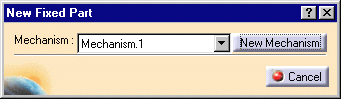
-
Select the Fixed Part either in the geometry area or in the specification tree.
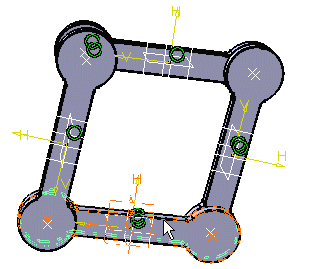
-
The fixed Part is automatically defined and identified in the specification tree.
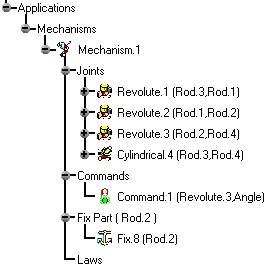

Keep in mind you can use Undo
 to modify your selection.
