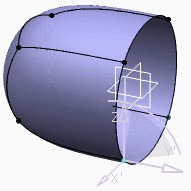
You can choose to work directly on or near the surface when modifying a subdivision surface.


-
From the Modification section of the action bar, click Modification
 .
.
The Tools Palette is displayed. -
Click Translation/Rotation/Affinity
 .
. -
Select one or more vertices and move the selected vertices along their own local normal.
You can see that the modification occurs near the surface. -
Select one of the following:
Distant Applies the modifications near the surface.
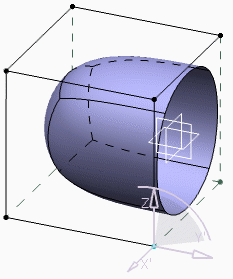
Projected Applies the modifications on the surface.
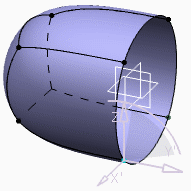
Hidden Hides the base mesh.