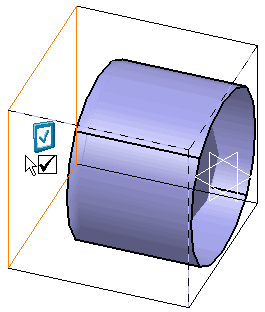
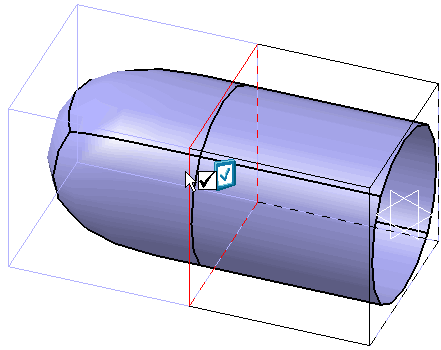
-
From the Styling Surfaces toolbar, click Reverse Normal
 .
.
You can also access this command by pressing Alt+Shift+I. -
Select one or more subdivision surfaces.
The Tools Palette is displayed:

- Select Subdivision
 : Changes the surface
selection.
: Changes the surface
selection.You can also access this command by pressing Ctrl+Shift+J.
- Reverse Side
 : Inverts the normal for all
subdivision surfaces.
: Inverts the normal for all
subdivision surfaces.You can also access this command by pressing Ctrl+Shift+I.
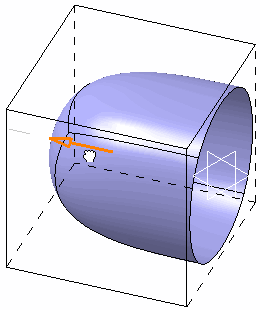
A normal arrow is displayed for each subdivision surface.
Default normal Inverted normal 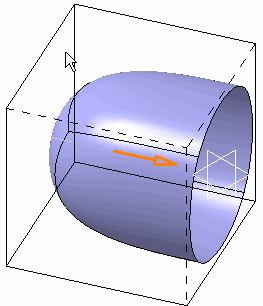
- Select Subdivision
-
Click Reverse Side
or the arrow to reverse the normal.
This command can be launched while working in another command. -
Now apply another Styling Surfaces
command such as Extrusion
 .
.With default normal With inverted normal