


-
Click Extrude
 or Revolve
 .
.
A Tools Palette appears. -
Select Primitive Profile
 to create primitive
profiles.
to create primitive
profiles.
You can also access this command by pressing Ctrl+Shift+O. Various 2D profiles appear: - Profiles and sub-profiles at the top
- Numbers on the right-hand side
- Letters at the bottom of the screen.
You can delete the profile by clicking  in the left-hand corner.
Extrusion: 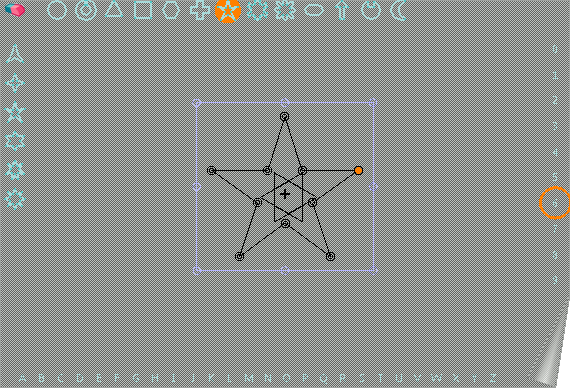
Revolution: 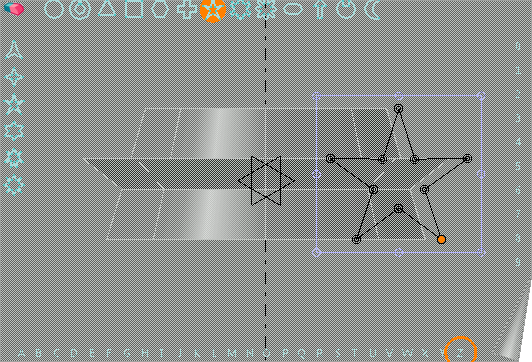
-
A lowlight frame is displayed at the extremity of the profile and manipulators are available in this frame to apply 2D transformations to the profile. The closest manipulator to the pointer is active. The manipulator in the:
- Center lets you move the profile
- Outside corner lets you rotate the profile
- Inside corner lets you scale the profile
- Inside border lets you scale the profile horizontally or vertically
- Outside border lets you slide the profile.
