

Create a 3D shape containing a subdivision surface.

-
Click Modification
 in the Modification toolbar.
 -
Click the subdivision surface.
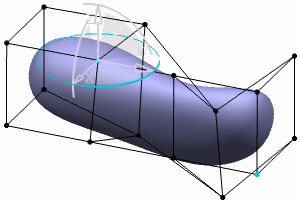
-
Click Mesh View
 in the Tools Palette.
-
You can also access this command by pressing CTRL+ALT+X.
- It can be accessed anytime during the manipulation or modification.
The icon changes to
 and
the visualization of the subdivision surface is lightened:
and
the visualization of the subdivision surface is lightened: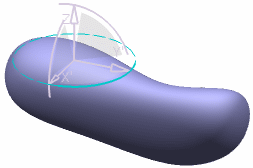
-

- Selection remains active while the base-mesh is hidden. In this case, you can use the options available in the Tools Palette.
- You need to click Mesh View
to
display the mesh.
