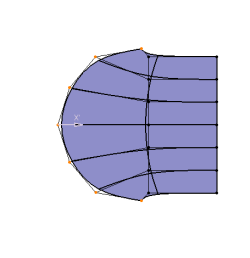
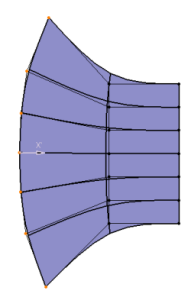
Create a 3D shape containing a subdivision surface.

-
Click Modification
 in the Modification toolbar.
 -
Click the surface.
-
Click Mesh-lines
 in the Tools Palette.
The vertex mode is activated. -
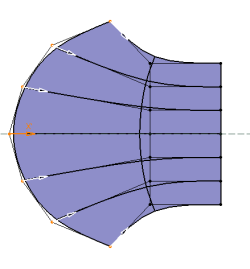
Select several vertices.
-
Move them along the direction shown with the arrow.
The nearest direction is selected. All vertices move at the same time, for the same length along their own edge.

You can press and hold Alt and move vertices parallel to reference elements. This mode is only available if vertices belong to the same line on the same surface, and provided the Manipulation Law command is deselected. -
Release the left mouse button (and Alt, if pressed) when you are satisfied with the new position of the surface.
Result when Alt is not pressed Result when Alt is pressed