

Create a sphere.

-
Repeatedly click Show Coord
 in Help Text toolbar
to sequentially display the compass coordinate for translation, rotation,
translation along normals or scaling commands. Thus you have complete
control on the displacements, rotation and scaling of subdivision
surfaces.
in Help Text toolbar
to sequentially display the compass coordinate for translation, rotation,
translation along normals or scaling commands. Thus you have complete
control on the displacements, rotation and scaling of subdivision
surfaces.
Let us take an example of the Translation command.
-
:
This icon state indicates that the coordinate is viewed on the
selected manipulator. This is the default state.
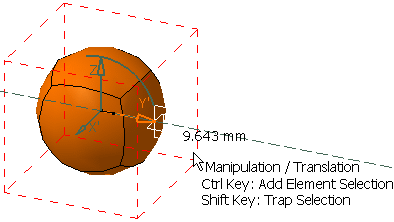
-
 :
This icon state indicates that the coordinate is viewed on the mouse
pointer.
:
This icon state indicates that the coordinate is viewed on the mouse
pointer.
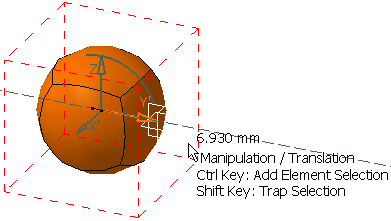
-
 :
This icon state indicates that the coordinate is not displayed.
:
This icon state indicates that the coordinate is not displayed.
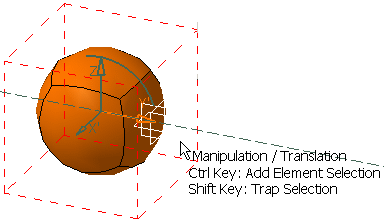

The visualization of the three coordinate display level icons can either be on the same icon cyclically or in an expandable separate toolbar. This depends on the option chosen in Tools > Options > Shape > Imagine & Shape > General tab, Command Options Menu Mode area.
