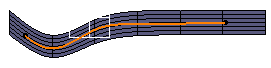
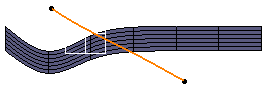
-
From the Creation toolbar, click Sketch Curve
 .
.
A Tools Palette is displayed. -
Click On Surface
 and start drawing the
curve.
and start drawing the
curve.

You can also access this command by pressing Ctrl+Shift+W. The curve is sketched and lies on the surface.
-
Click On Surface
again to deselect the
icon.In On Surface mode Not in On Surface mode 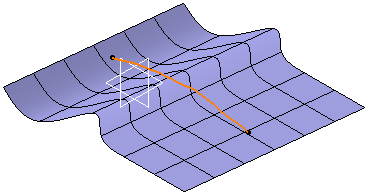
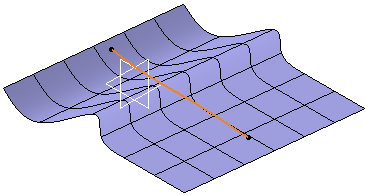
View from front: